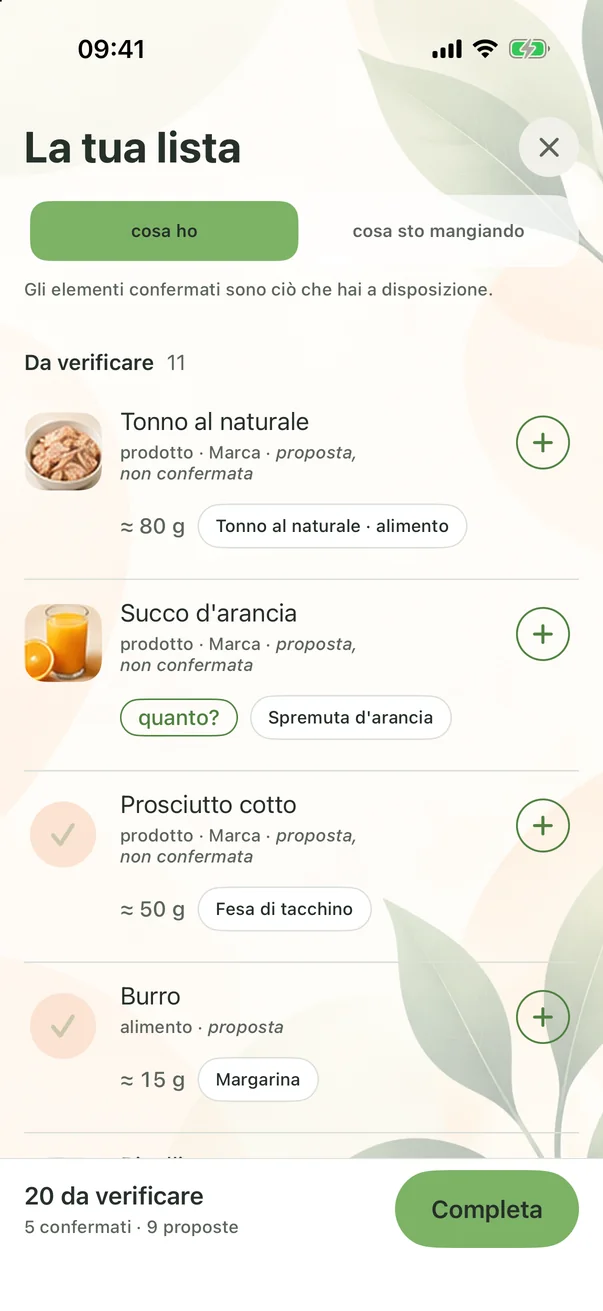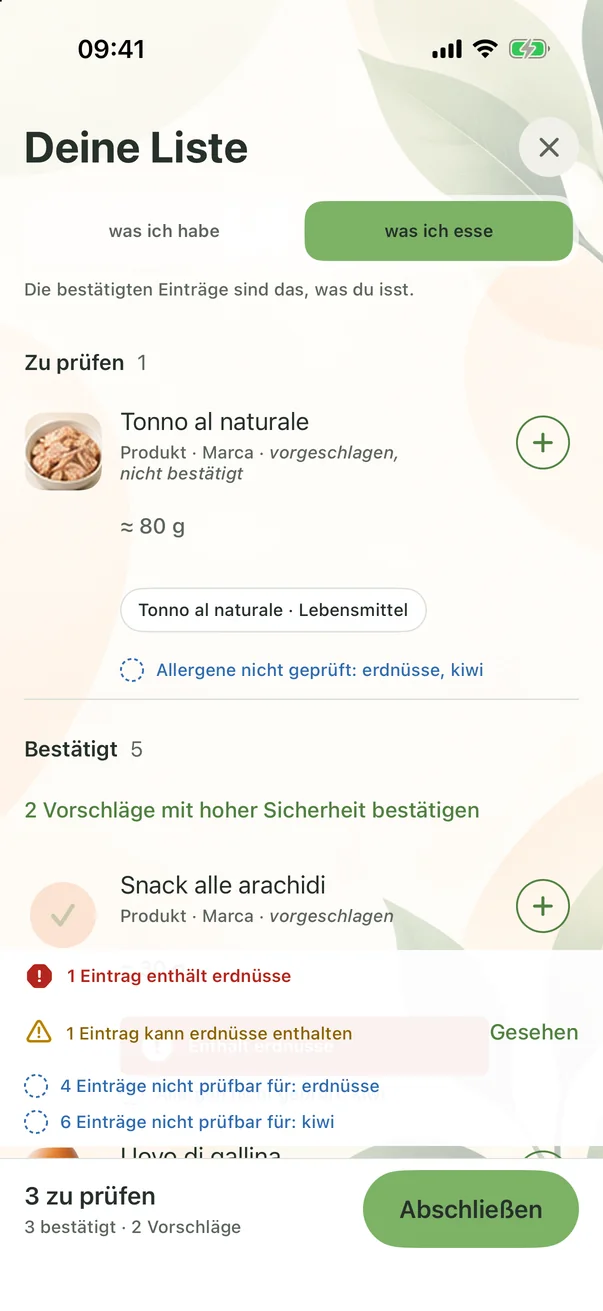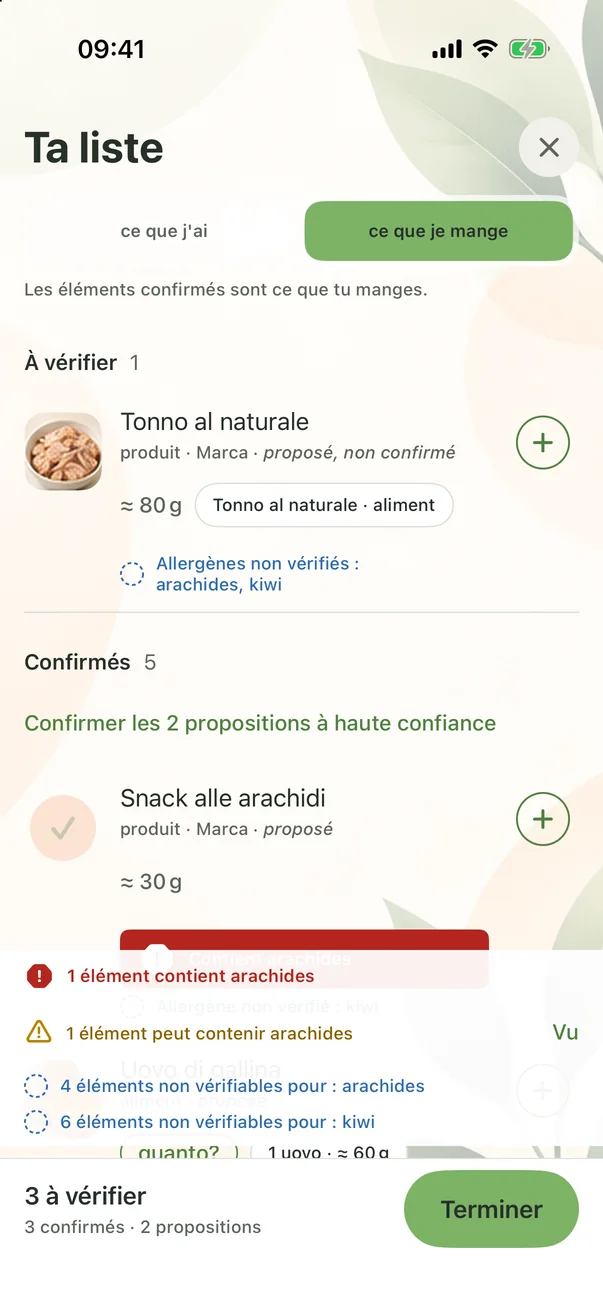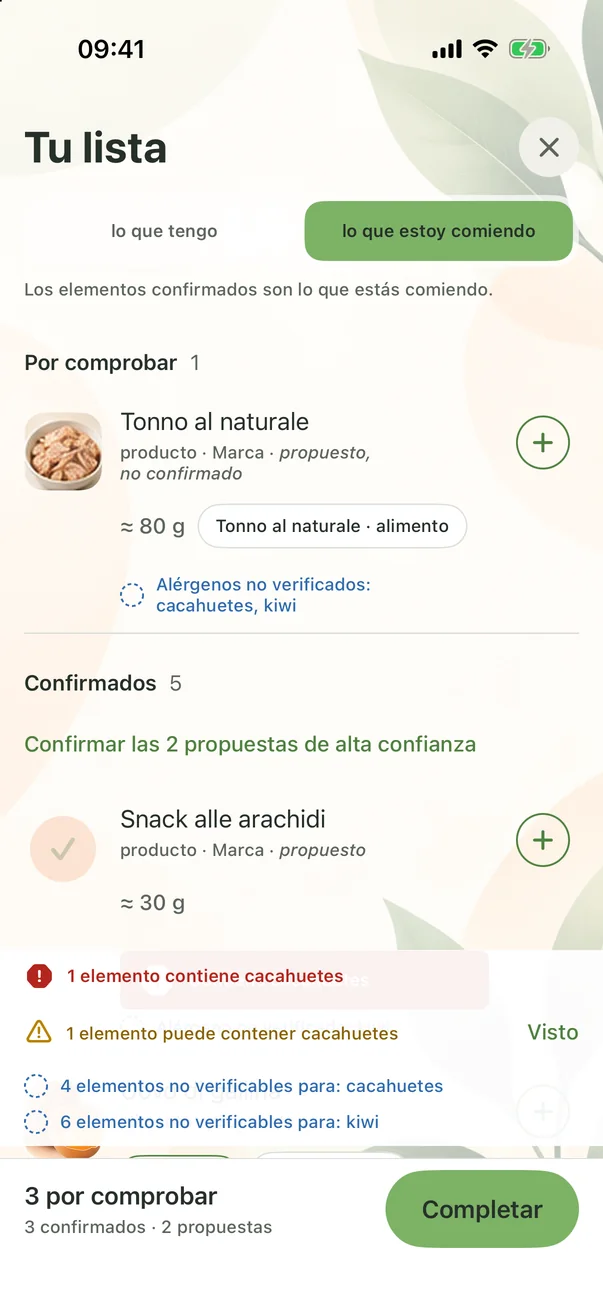





101 / 06
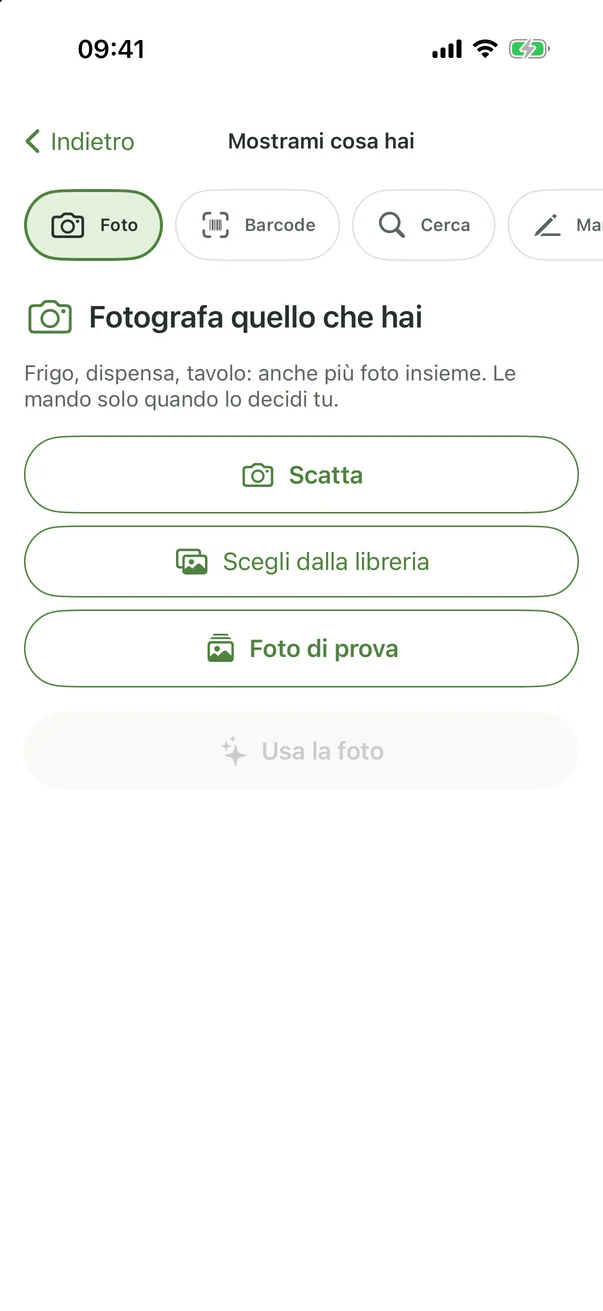
Snap what you have.
Fridge, pantry, table: even several photos in one go. Qanto recognises the food and lines it up for you.
Available for iPhone and Android
What you have. What you need.
Qanto is the food assistant that looks at what you actually have and helps you decide what to eat, how much and how to make it.
This is what I have. What can I eat? This is the menu. What should I order? This is what I have. What am I missing?
A simple idea
Other apps ask you what you ate. Qanto helps you decide before you eat.
A photo of your fridge, not of your plate. That's how the numbers finally add up.
How it works
101 / 06
Fridge, pantry, table: even several photos in one go. Qanto recognises the food and lines it up for you.
202 / 06
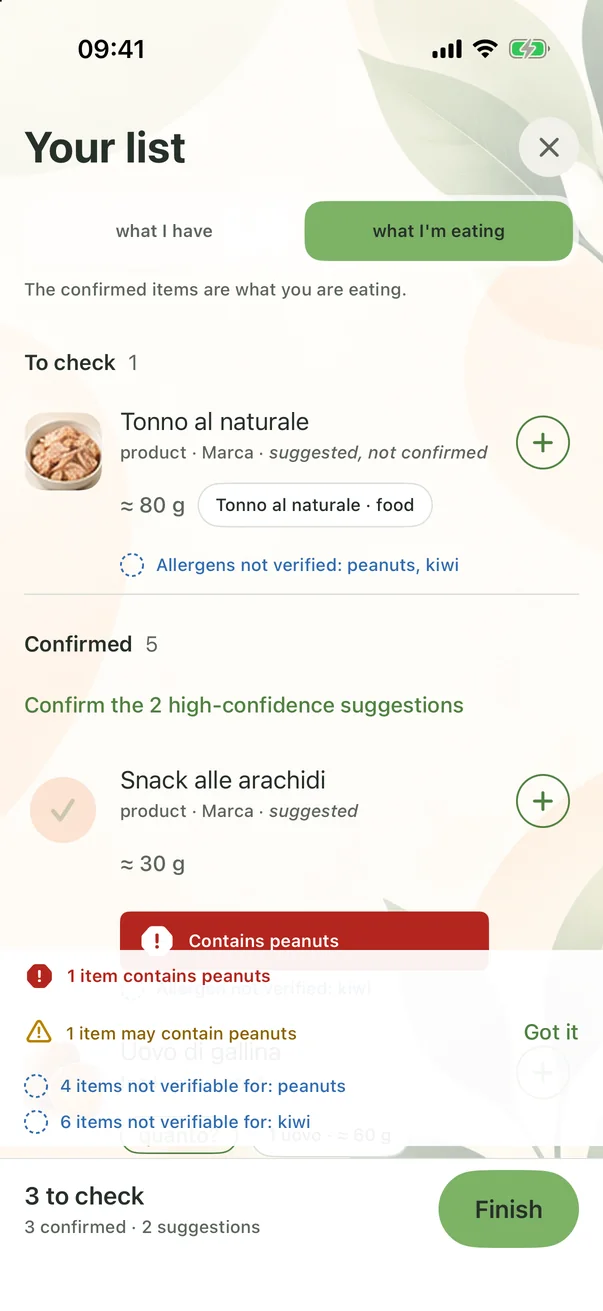
Recognition isn't perfect, and Qanto doesn't pretend it is. Confirm, fix or remove: nothing goes into a calculation without your yes.
303 / 06
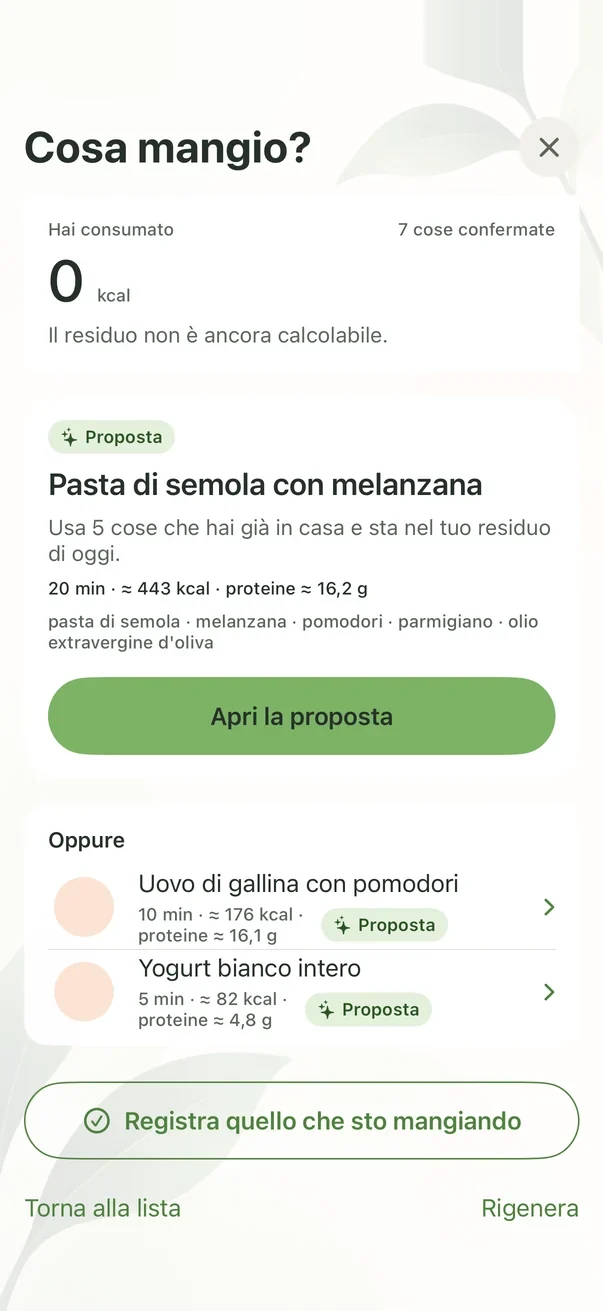
Built from what's in your kitchen, the time you have and what's left for today. With the reason why, in one line.
404 / 06
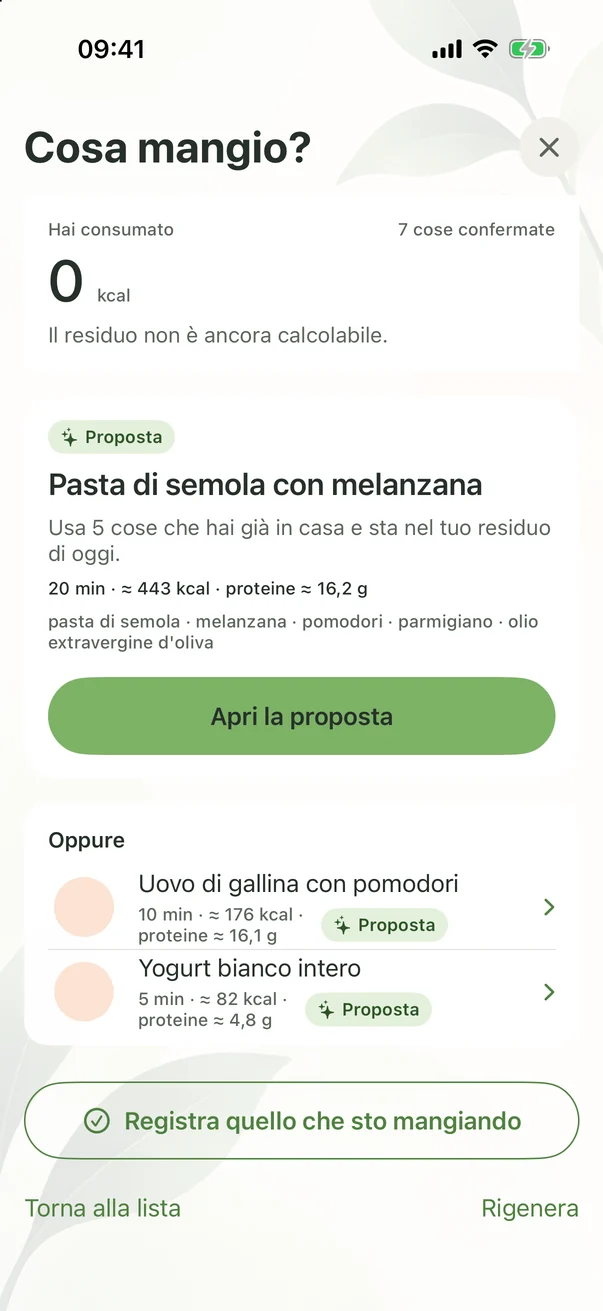
If it recognises 25 foods and uses 5, it asks about those 5. And only when the answer changes something.
505 / 06
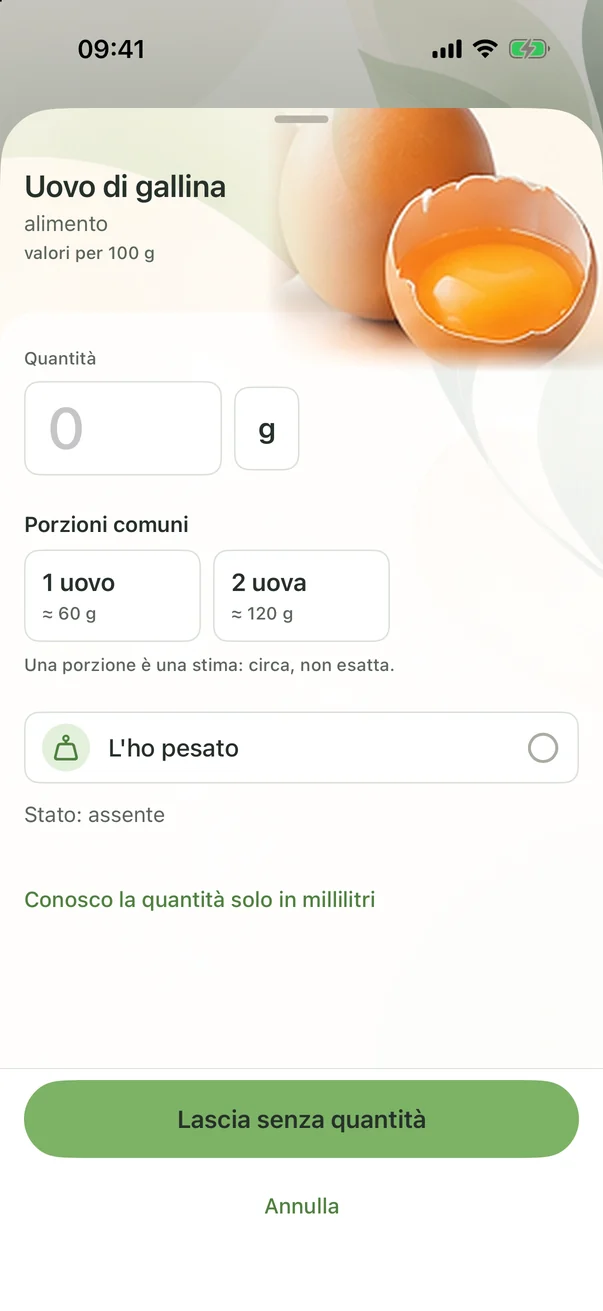
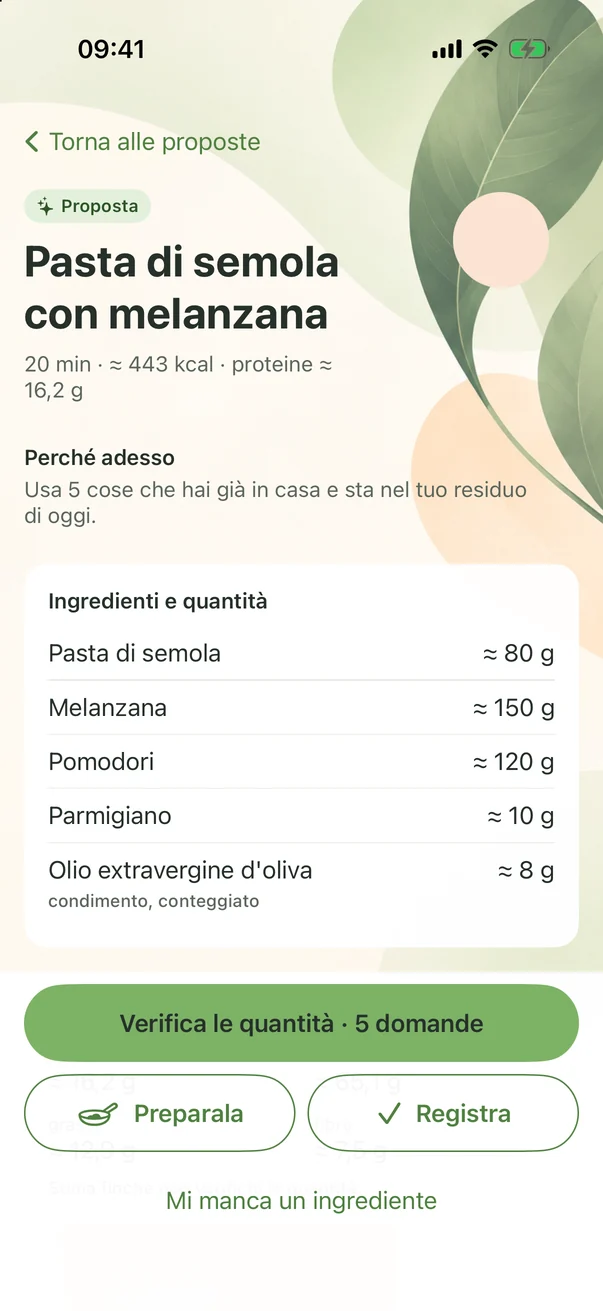
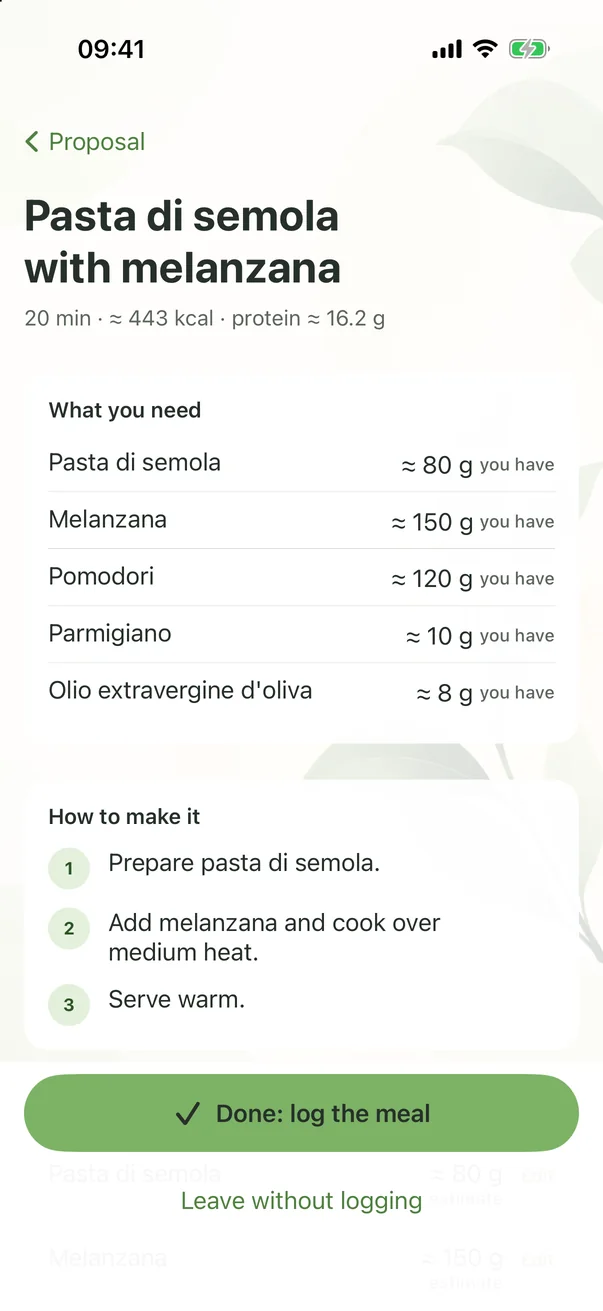
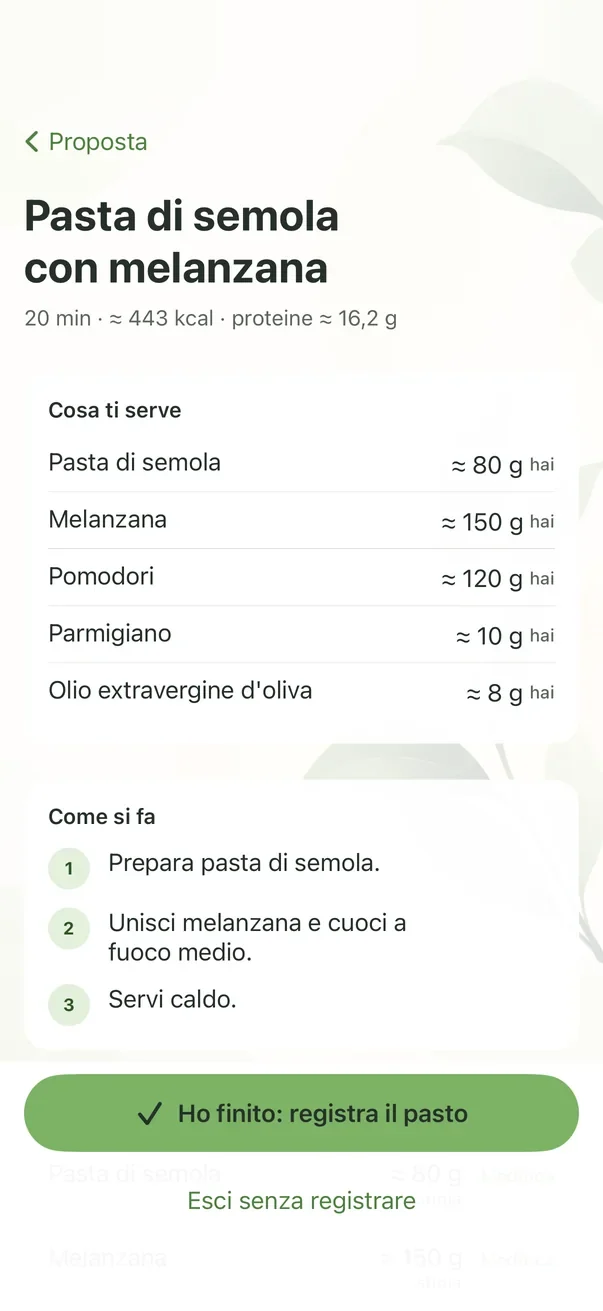
Clear amounts, short steps. Used more oil? Say so, and Qanto recalculates everything instantly.
606 / 06
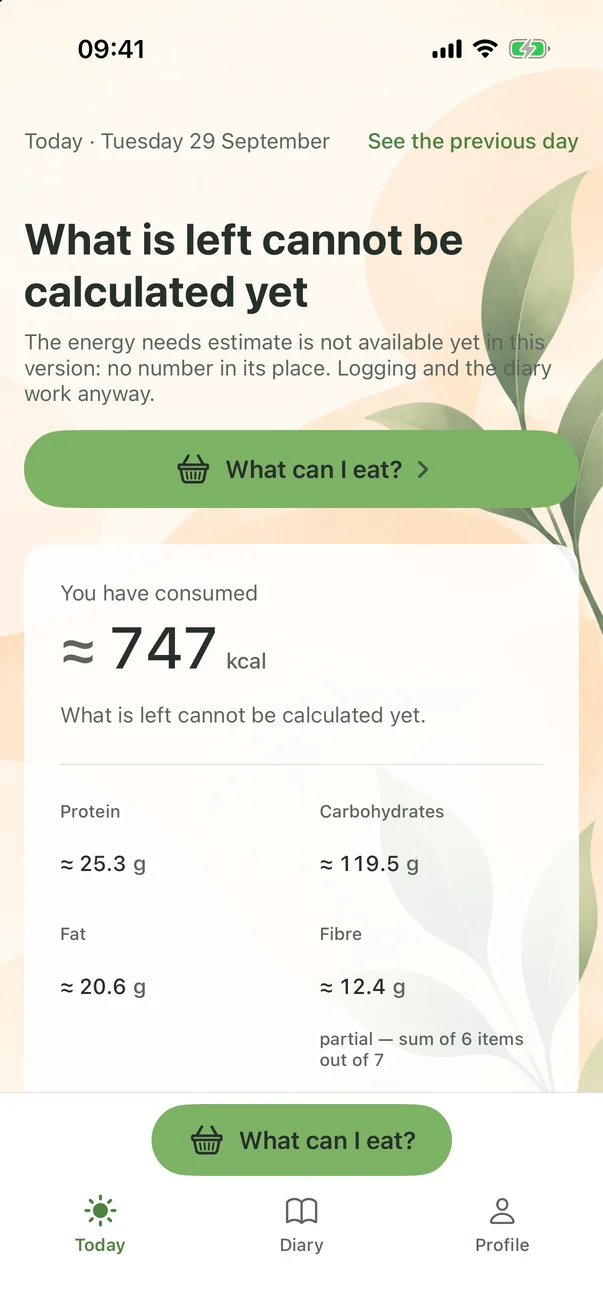
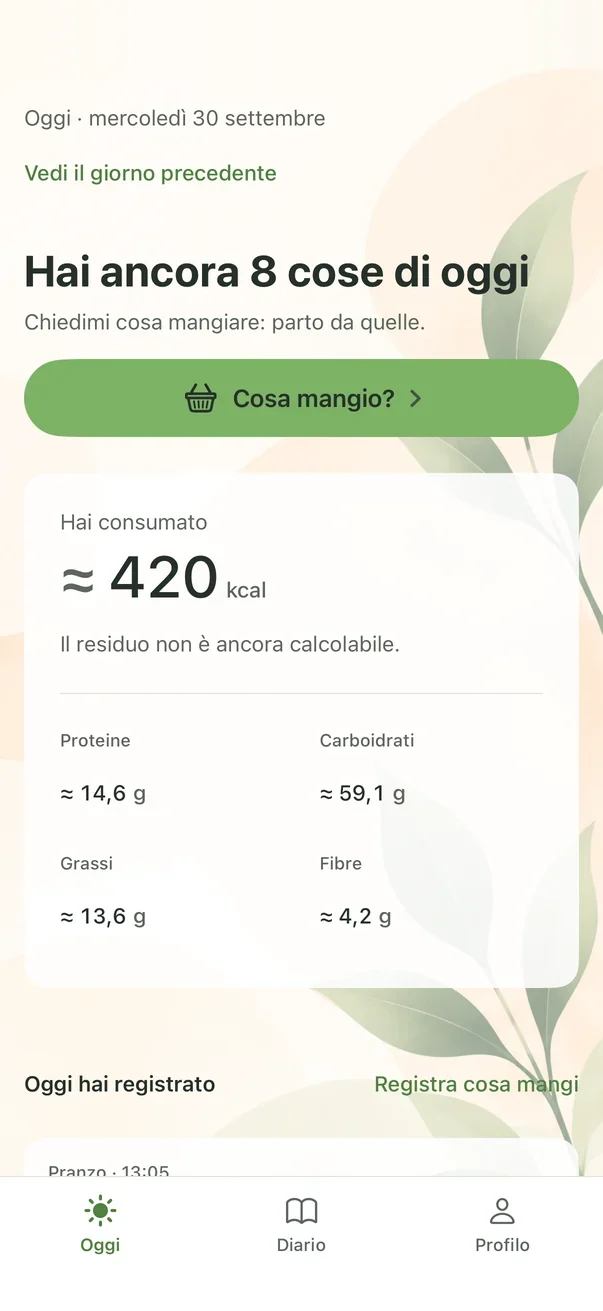
Log the meal and see what you have left. Qanto does the maths.
What it does today
The features already in the app, built to get you to the table in as few steps as possible.
Several photos in one session, from different places. Qanto puts it all together.
Confirm, fix or remove each suggested food with a tap.
For packaged food it uses the real product's values, from Qanto's catalogue.
Recipes built from what you have, the time you have and your day.
And understands “two eggs” or “half a pack” too.
Software does it on the database, not AI. Every estimate is labelled.
Allergies, intolerances, diet and tastes stay separate, and are respected.
Always know what you've eaten and what's left, without doing maths.
Try it here
First Qanto works out what you could cook. Then it only asks what's worth knowing.
Illustrative example. In the app, values come from Qanto's nutrition database and the calculations are done by software, not AI.
Transparency
Qanto separates what it knows from what it estimates. And when it doesn't know, it says so.
Values with a source you can see.
Sums, conversions, what's left of your day.
When weighing isn't worth it, Qanto estimates and tells you.
AI sees, understands and suggests. It doesn't make up values.
“I don't know that reliably enough” is a better answer than a made-up number.
Safety
They're safety constraints. Software does the check on verifiable data, and AI can't override it.
Missing information never means a missing allergen. Qanto never calls a product safe when it doesn't know it.
You've declared an allergy: this product won't be used in any suggestion.
We flag it clearly and never use it automatically.
There isn't enough information to say for sure. Check the label.
Privacy
Qanto is local-first: your profile, meals and diary live on your phone. You don't need an account to get started.
Open the app and go. An account will only be needed for things like backup and sync, and it'll be your call.
Qanto doesn't follow you across apps and websites, and doesn't sell your data.
The images you send are used to work out which foods you have. Nothing more.
Fix, delete, start over. Your data is yours, even when you change your mind.
What's next
Qanto grows with you. Here's where it's heading.
Snap the menu and find the choice that fits your day best. Always labelled as an estimate.
A shopping list that starts from what you already have at home.
Activity and workouts as part of your day, only with your consent.
An inventory that updates from photos, barcodes and the recipes you cook.
Priority to open packs, leftovers and food close to its date.
Ideas for your next meals, without turning into a strict diet.
Several profiles, a shared pantry and a shared shopping list.
Why download it
iPhone
Native to iOS: fast, smooth, with the care you expect from a well-made app.
 9:41
Android
The same Qanto, with the Android gestures and conventions you already know.
International
Italiano, English, Deutsch, Français, Español. Numbers, dates and units follow your country. More languages are on the way.
Not really. A calorie counter asks you to reconstruct what you've already eaten. Qanto works before: it starts from what you have, suggests what to cook and keeps count for you.
No. Qanto is a food assistant: its estimates are not diagnoses, prescriptions or clinical diets. For health needs, always talk to a professional.
No. You can use Qanto without an account: your data stays on your phone. An account will only be needed for features that require one, such as backup and sync.
No, and that's a rule. Qanto first chooses what you could cook, then asks only for the amounts that really change the result. You can even answer with “two eggs” or “half a pack”.
iPhone and Android. You’ll find it on the App Store and Google Play.
You'll be able to use Qanto for free, with no walls around the core features. There will also be a Premium plan for those who want more: all the details at launch.
Download it for iPhone and Android.